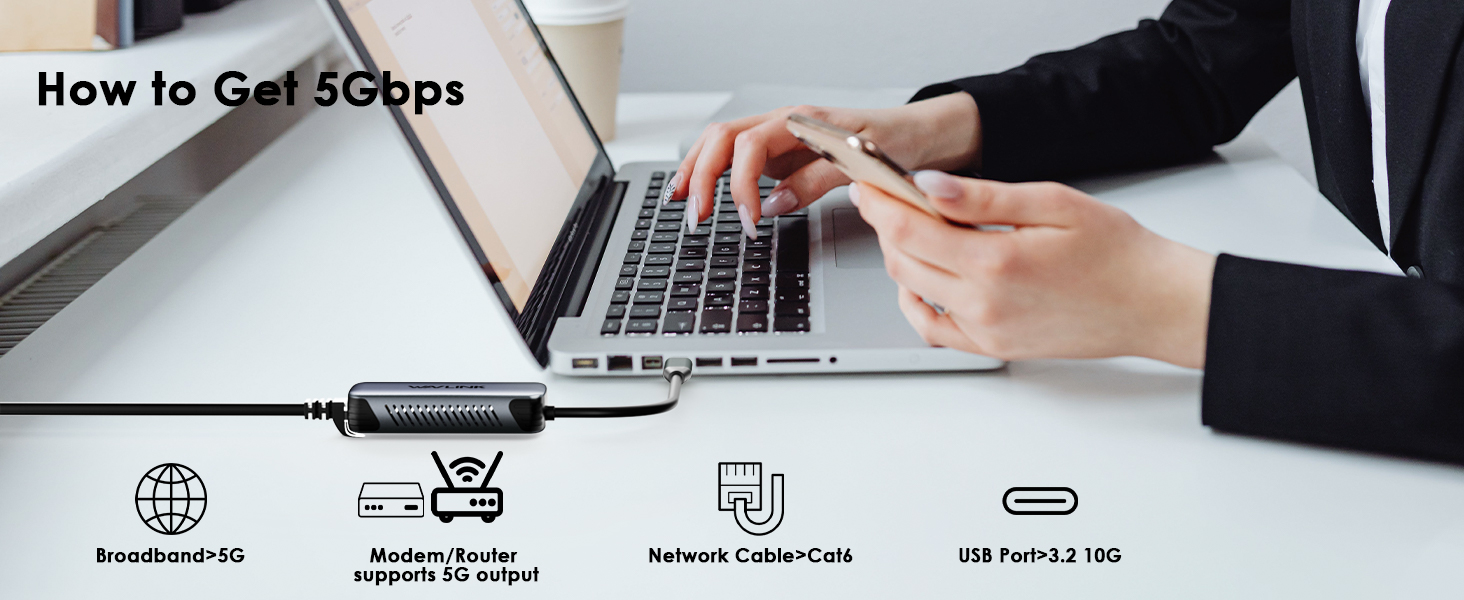
1. To achieve the optimal network speed, please make sure that the connection speed of the USB connection is 10 Gbit/s. If the speed of the USB connection is 5 Gbit/s, the maximum Ethernet speed is about 3.3 GBit/s.
2. The standard speed for Mac OS is 5 Gbit/s. The manual selection of the highest speed should be 2.5 Gbit/s. This problem is related to the Mac OS driver and manual settings are not recommended.
3. There are speed differences in the MacBook.
* M3 chip. The maximum speed in two directions can achieve 4.6 Gbit/s.
* M1 chip. Send/receive in two directions. One direction can reach 4 Gbit/s, the other 2.5 Gbit/s. The maximum speed in one direction can achieve 4.7 Gbit/s.
* 2017 Intel i7 chip. Send/receive in two directions. One direction can reach 3.1 Gbit/s, the other 1.3 Gbit/s. The maximum speed in one direction can achieve 4.7 Gbit/s.
* 2017 Intel i5 chip. Send/receive in two directions. One direction can reach 2.9 Gbit/s, the other 900 Mbit/s. The maximum speed in one direction can reach 3.8 Gbit/s.
4. The speed depends on the computer’s CPU performance. Because this Ethernet adapter consumes the computer’s CPU resources.
The same problem occurs on the Surface Laptop Go (CPU i5-1035G1) and the Win11 operating system. Send/receive in two directions. One direction can reach 4.7 Gbit/s, the other 623 Mbit/s. This leads to a CPU utilization of 100 %. Realtek will shortly provide the minimum configuration requirements.
If the problem mentioned above would have a negative impact on your user experience, please buy with caution.